
What Size Button Maker Machine Should I Buy? (25mm to 75mm)
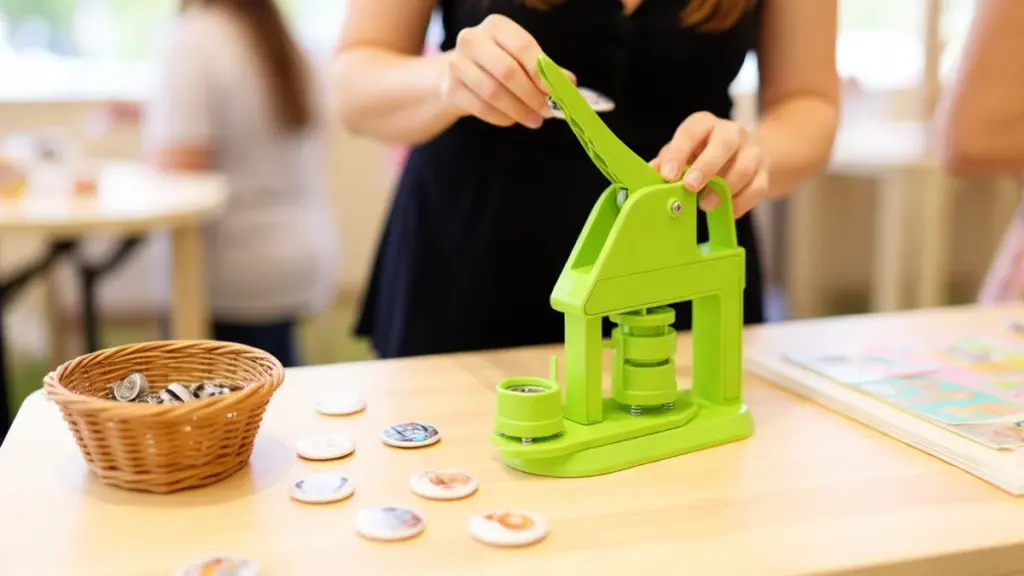
Buying a button maker machine is mostly a size decision. The dies decide what you can produce, and the press itself is a simple hand tool that runs on a desk. If you are making classic pin badges for an event, a club, or a small shop, a 32mm press is the safest first machine. If you already know you need big readable badges, go 58mm. And if customers order several sizes from you, the 3-in-1 machine usually pays for itself within the first batch.
This guide covers the five VEVOR button maker machines we stock, what each size is actually for, and which one I would buy for which job. The specs below come straight from the product pages, so you can check them against the kits before you order.
The short answer
Buy the 32mm VEVOR button maker with the 500-piece kit as your first machine. It makes the standard badge size, the kit holds enough blanks for a full production run, and the hand press needs no assembly. Choose 25mm only for small pins and magnets, 58mm for larger badges, 75mm for big statement pieces, and the 3-in-1 if you want one machine that covers multiple sizes.
What the size numbers actually mean
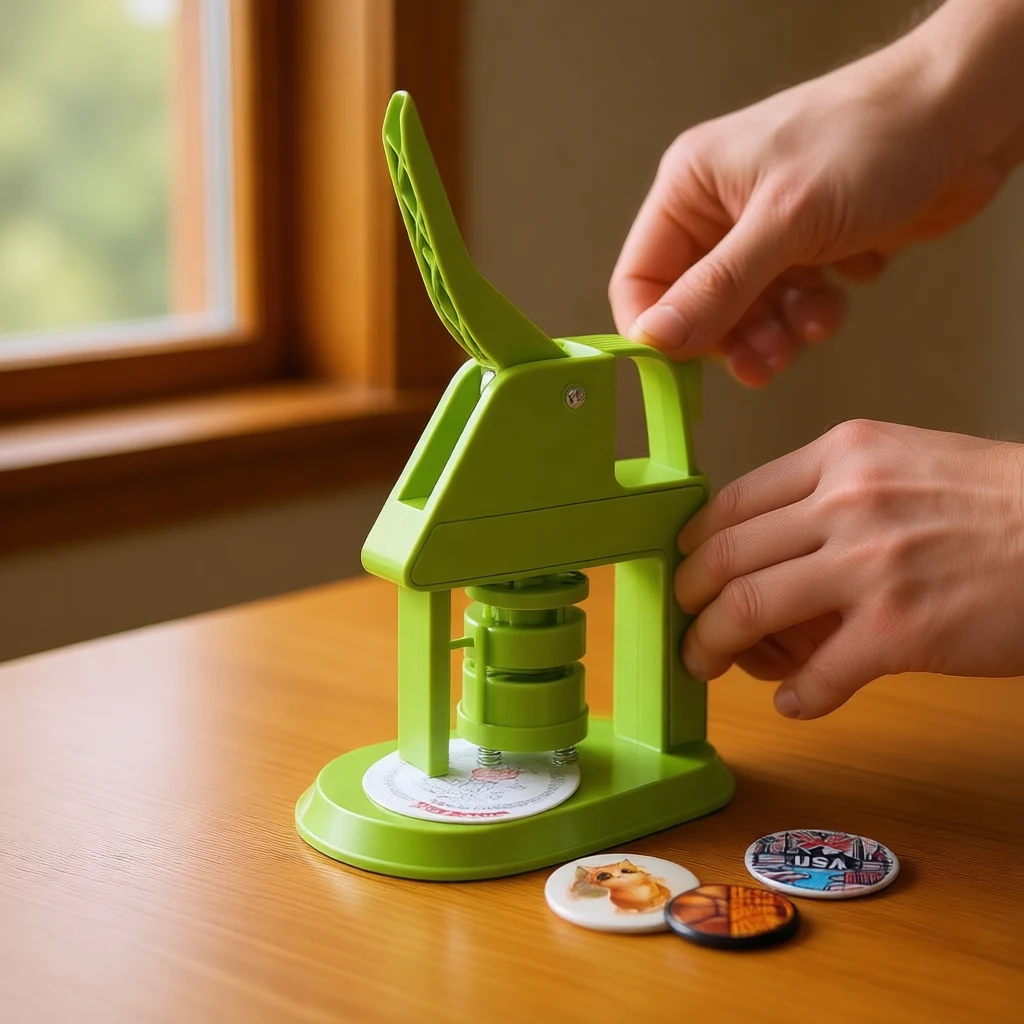
Button maker sizes refer to the die diameter, which is the finished button size in millimeters. Each of the four common sizes has a clear job:
- 25mm (0.98 in) — a small pin that fits a lapel or collar. Good for tiny logos, magnets, and keychains.
- 32mm (1.26 in) — the classic badge size. Campaign buttons, name tags, and most merchandise pins live here.
- 58mm (2.28 in) — a full-size badge you can read across a room. Typical for event passes and branded merch.
- 75mm (2.95 in) — statement size. Big logos, promo giveaways, custom coasters, photo buttons.
Paper matters as much as the die. All five machines take 127–157 g coated paper, with 135 g photo paper as the sweet spot. Standard 80 g printer paper is too thin — it wrinkles under the crimp and the button comes out loose.
One thing that confuses people at first: the model names mix inches and millimeters. A 32mm die is the same as 1.26 inches, and a 58mm die is 2.28 inches. If you already own blank button parts in one system, match the die to those parts rather than the label, because the parts and the die have to line up exactly.
Five VEVOR button maker machines compared
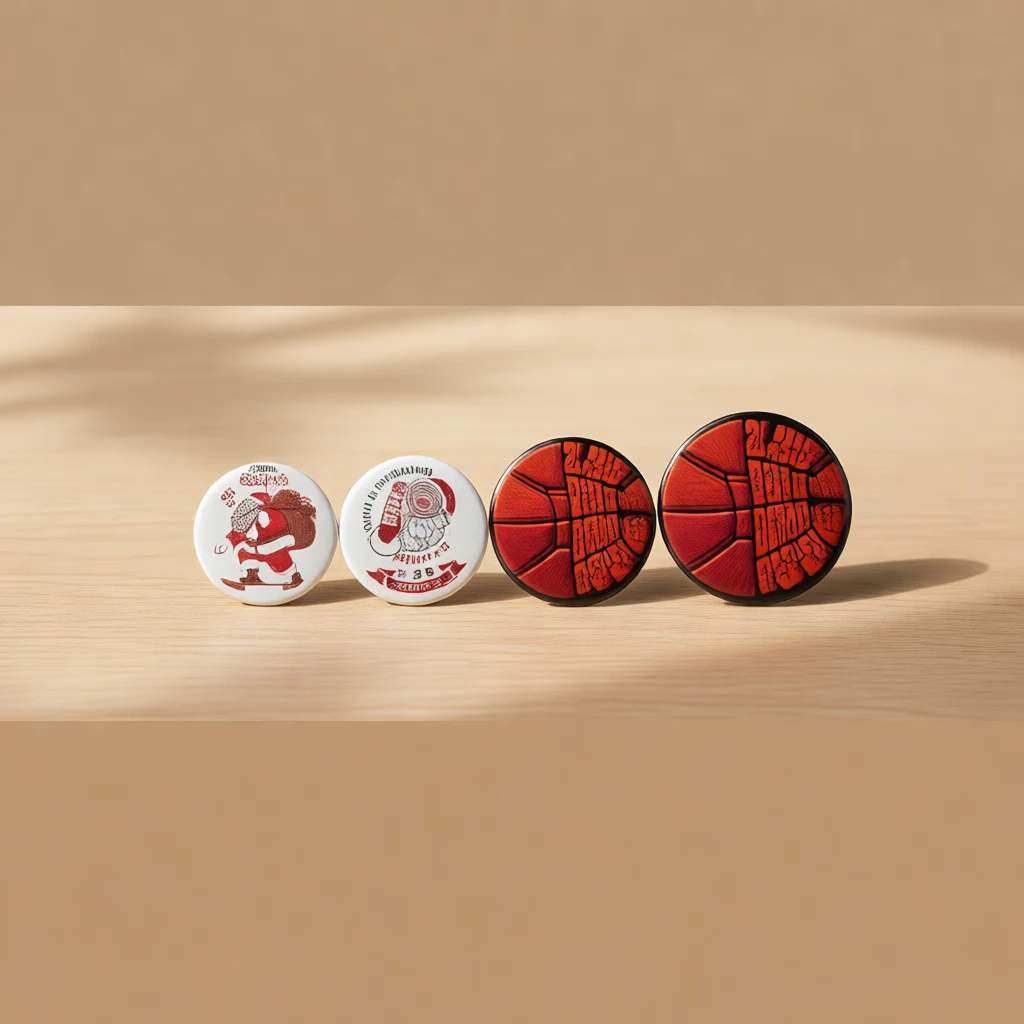
All five are hand-operated presses, so there is no electricity or air to worry about. The differences are the die size, the blanks in the box, and the mechanism: the 25, 32, and 58mm models use a rotary action, while the 75mm machine uses a lateral-movement design for its wider die.
| Machine | Button size | Blanks in kit | Price | Best for |
|---|---|---|---|---|
| VEVOR 3-in-1 Button Maker | 25 / 32 / 58 mm | 300 pcs | $80.90 | Multiple sizes from one press |
| VEVOR 32mm Button Maker | 32 mm | 500 pcs | $51.90 | Classic badges, best value |
| VEVOR 58mm Button Maker | 58 mm | 100 pcs | $39.90 | Large badges, low entry price |
| VEVOR 25mm Button Maker | 25 mm | 500 pcs | $44.01 | Small pins in volume |
| VEVOR 75mm Button Maker | 75 mm | 100 pcs | $53.90 | Extra-large badges |
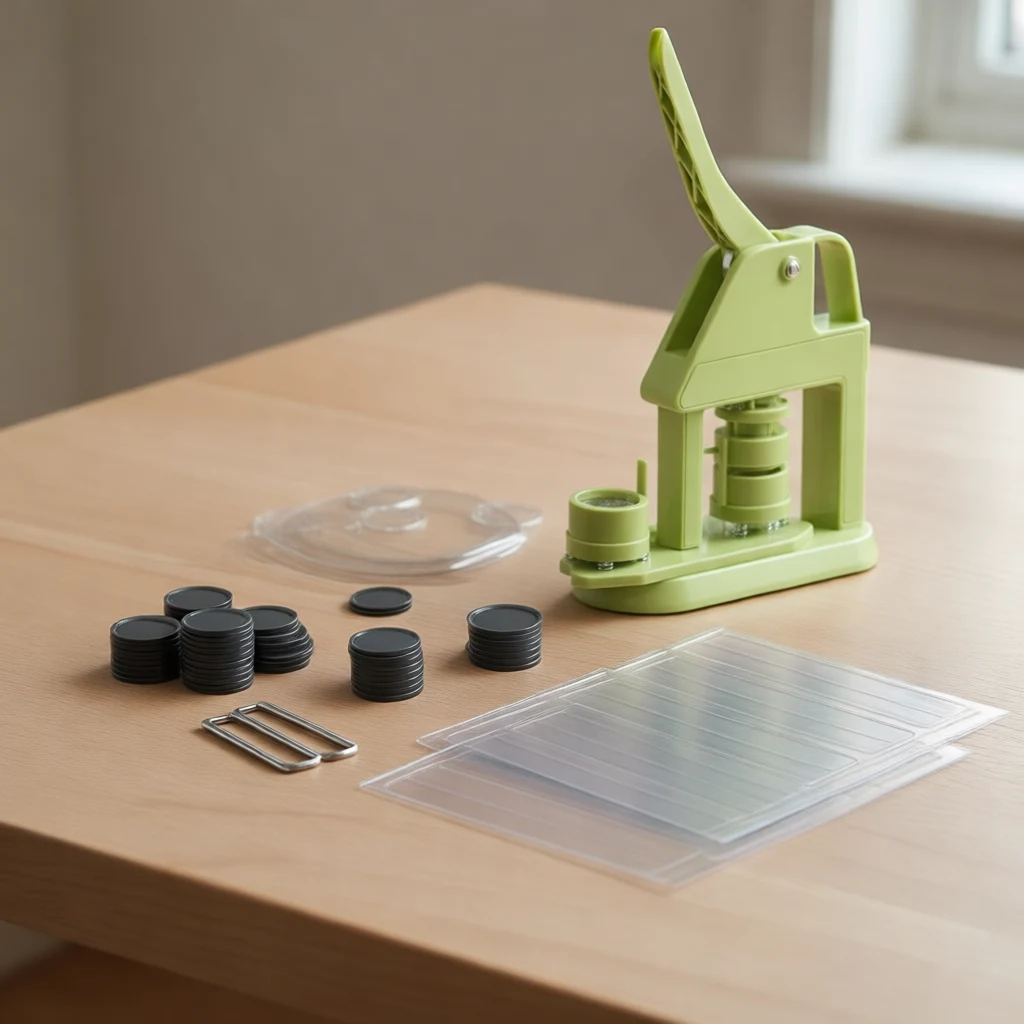
Here is what the 500-piece kits actually include: 500 plastic backs, 500 tinplate fronts, 500 clear films, 20 blank papers, a circle cutter, two hex wrenches, a design template book, and the manual. The 100-piece kits scale the same way. The circle cutter plus template book is the part most people overlook — it punches exact paper circles so the design stays centered, which is where most first-time failures happen.
Rotary vs lateral movement: does it matter?
For the 25, 32, and 58mm machines, the rotary action is a two-step press: close the die once to crimp the front, then rotate the turntable and press again to set the back. The 75mm machine uses a lateral-movement design because a wider die needs more room to shift between the two stages. In daily use the difference is just a second per button — pick the machine by size first, and treat the mechanism as a detail.
Single-size or 3-in-1?
A single-size press is cheaper per machine, but you buy one per die size. The VEVOR 3-in-1 swaps between 25, 32, and 58mm dies on one body, which makes sense if you sell a mix of sizes or make custom pins for different clients. The tradeoff is the kit: 300 blanks spread across three sizes, so you will restock individual sizes sooner than with a 500-piece kit.
How to use a button maker, step by step
Every press in this family works the same way, and the learning curve is one practice button:
- Cut the design. Print your artwork, then use the circle cutter and template book to punch exact circles. Off-center paper is the number one cause of bad buttons.
- Stack the layers. Tinplate front goes in first, then your paper, then the clear film on top.
- Press the die. Close the press once to crimp the front, then rotate or shift per the manual and press again for the back.
- Snap in the back. Place the plastic back and give it one final press. The button pops out done.
One tip before a big run: test a single button with the exact paper you plan to use. If the crimp feels loose, switch to a slightly heavier paper — 135 g photo paper fixes this in almost every case. At a comfortable pace you will finish a batch of fifty in well under half an hour once the rhythm clicks, which is plenty for most event and small-shop orders.
Common mistakes to avoid
- Using thin printer paper. 80 g paper wrinkles and produces loose buttons. Stick to 127–157 g coated stock.
- Skipping the test button. One practice press shows you whether the paper weight and stack order are right before you waste a hundred blanks.
- Mixing size systems. Button parts and dies have to match exactly. A 32mm die will not crimp 1.25-inch parts cleanly, even though the numbers look close.
- Forgetting the film layer. The clear film protects the print and gives the button its glossy finish. Leaving it out makes the badge look unfinished and scuff easily.
Which button maker machine should you buy?
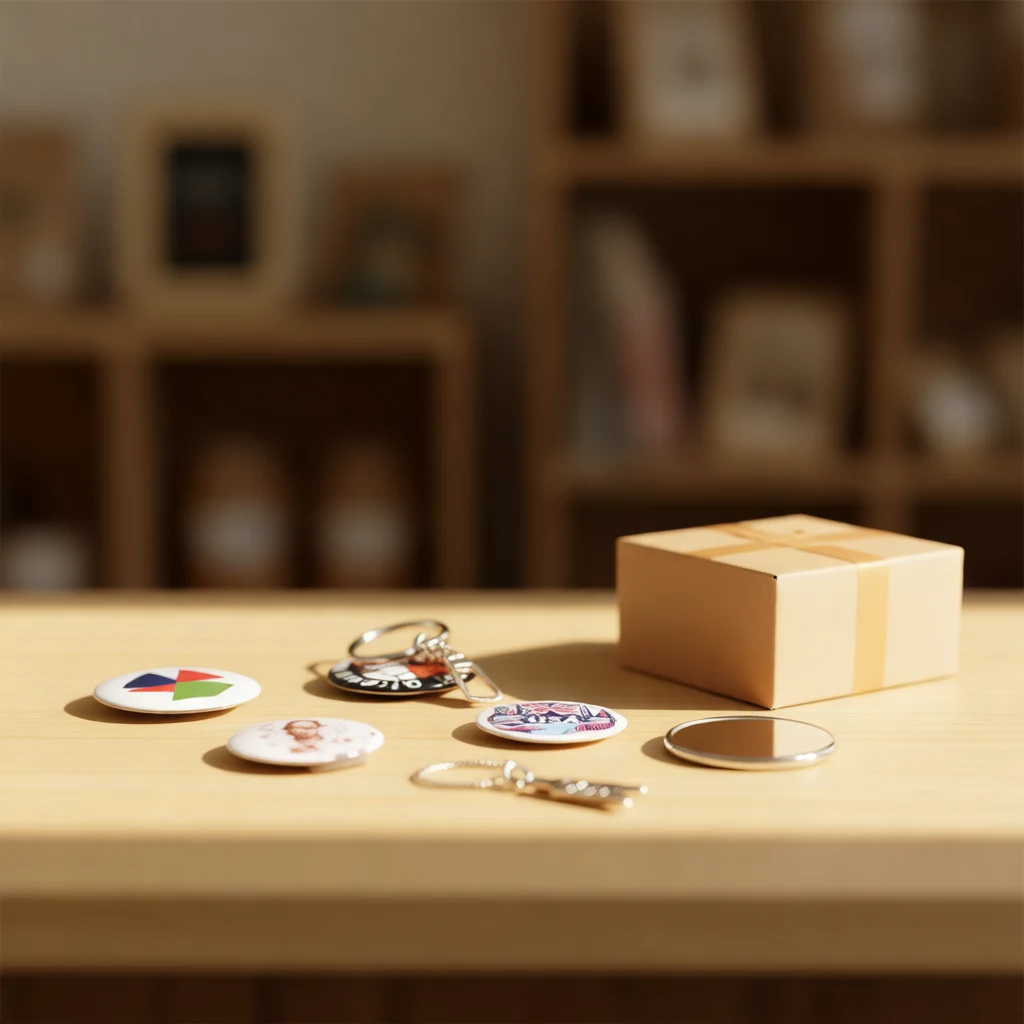
- Campaign pins and name badges — the 32mm machine. It is the size people expect from a button pin, and the 500-piece kit is the best per-blank value in the line.
- Small pins, magnets, keychains — the 25mm machine, which also ships with 500 blanks.
- Branded merch with readable logos — the 58mm machine. A good balance of size and entry price.
- Big promo pieces — the 75mm machine for statement badges and giveaway items.
- Several sizes from one machine — the VEVOR 3-in-1 covers 25, 32, and 58mm in a single press.
If you are still deciding, the 32mm kit is the one I recommend most often: it is the size customers recognize, the blanks cost the least per piece, and 500 blanks last through the first few orders without a restock. Pair it with the rest of the office organizers range if you also sell name tags, lanyards, or badge accessories, and check our office organizers buying guide to see how the whole category fits together.
Frequently asked questions
For a first machine, 32mm. It is the standard badge size for campaign buttons and name tags. Choose 25mm for small pins, 58mm for larger badges, 75mm for extra-large pieces, and the 3-in-1 if you need several sizes from one press.
127–157 g coated paper, with 135 g photo paper as the sweet spot. Standard 80 g printer paper is too thin and wrinkles under the crimp.
The 500-piece kits include 500 plastic backs, 500 tinplate fronts, 500 clear films, 20 blank papers, a circle cutter, two hex wrenches, a design template book, and the manual. The 100-piece kits scale the same way.
No. All five VEVOR presses are hand-operated and need no assembly. The process is cut the paper, stack the layers, press twice, then snap in the back. One practice button is enough to get clean results.
Mirrors, keychains, bottle openers, and magnets, plus custom pins for events, clubs, and small shops. The die size only sets the visible surface, so the same machine handles every type.
Related Articles

Browse Related Products
Products covered by these guides.
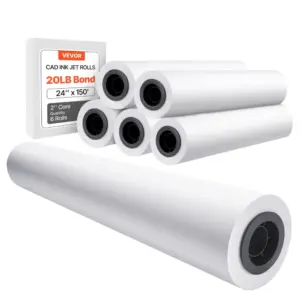
VEVOR Wide Format Paper, 24 in x 150 ft Plotter Paper, 6 Rolls CAD Bond Rolls with 2 in Core, 20 LB Bond Paper Rolls, Idea for CAD Drawings
$62.90Shop now
VEVOR Wide Format Paper, 24 in x 500 ft Plotter Paper, 2 Rolls CAD Bond Rolls with 3 in Core, 20 LB Bond Paper Rolls, Idea for CAD Drawings
$68.90Shop now
VEVOR Wide Format Paper, 24 in x 150 ft Plotter Paper, 4 Rolls CAD Bond Rolls with 2 in Core, 20 LB Bond Paper Rolls, Idea for CAD Drawings
$47.90Shop now
VEVOR Wide Format Paper, 36 in x 150 ft Plotter Paper, 4 Rolls CAD Bond Rolls with 2 in Core, 20 LB Bond Paper Rolls, Idea for CAD Drawings
$64.90Shop nowGet new guides first
New buying guides, size guides and restock alerts — one email a week.